
Why Video?
Imagine you've just returned from a trip. An exciting one. You've come back with a ton of photos and videos. You snapped pictures of the sights, yourself, your friends, funny scenes in the city, and snow-capped mountain peaks.


 Log in or Sign up
 FavoritesLog in or Sign up
 Help
HelpImagine you've just returned from a trip. An exciting one. You've come back with a ton of photos and videos. You snapped pictures of the sights, yourself, your friends, funny scenes in the city, and snow-capped mountain peaks.
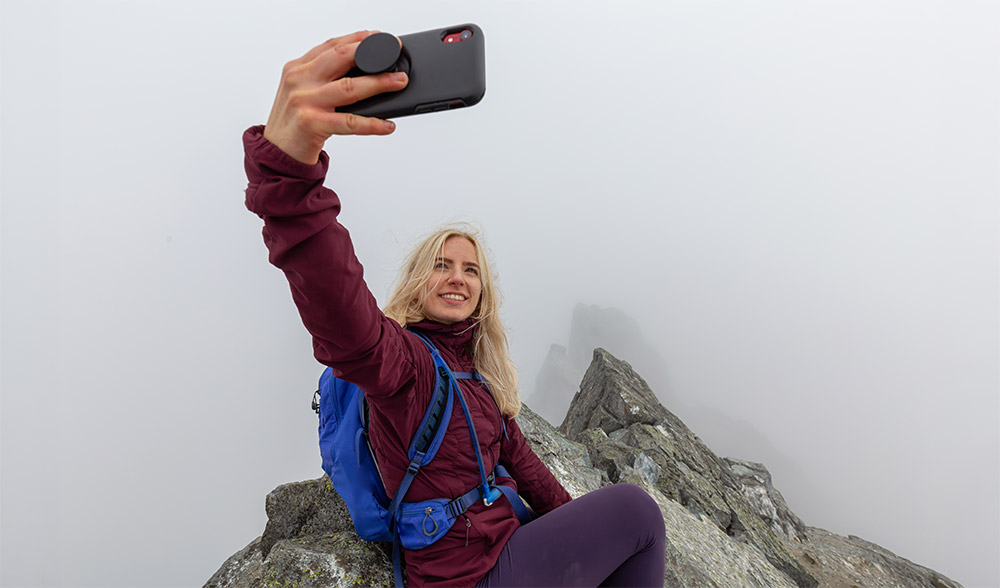
Upon your return, you've created a new Spot on Explorow.
Which format - if you've uploaded both photos and videos - will make a greater impression on you and your friends, with whom you want to share your experiences?
Photos? Videos? Both are impressive and important, but nothing captures those special moments of your trip like the videos you shot.
Adding videos to Explorow is as easy as adding photos - when you add a new Spot on the map, in the "Photos, videos" section, click "Select files for videos."

When you upload your videos, it would be great if you could add at least a few words about where you filmed them and what they showed. This will be more interesting for you when you review your old trips in the future, and for your friends who will be watching.
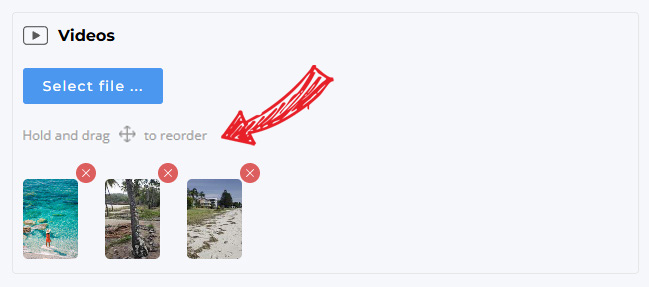
To keep your travel story coherent and consistent, you can arrange videos in the order you want them to appear on the Spot page - simply hold and drag video files onto the preview to change their order.
You can also add descriptive text for each video separately instead of just placing videos and text at the bottom. To do this, click "Add one more block" below the "Photos, videos" section. This will add another block where you can add a separate video and accompanying text.
Explorow is your personal journal on a map, displaying your most interesting trips as photos and videos - exactly where they happened.
